







Quick answer: FlexClip’s AI Avatar Generator is a practical, budget-friendly tool for creating talking-head videos from scripts, audio, photos, or video clips. It is strongest for marketers, educators, and small teams that need scalable video content without filming themselves—but custom avatars, voice cloning, and lip-sync quality should be tested with your own footage before committing.
Creating professional talking-head videos usually means a camera, lighting, retakes, editing, and time. FlexClip’s AI Avatar Generator tries to remove most of that friction: choose a stock presenter, upload a photo or video to create a custom avatar, paste a script, and generate a talking video with synchronized lip movements.
This review examines what the tool does well, where it falls short, how it compares with alternatives, and which use cases make the most sense.
What Is FlexClip’s AI Avatar Generator?
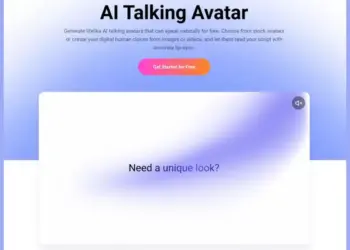
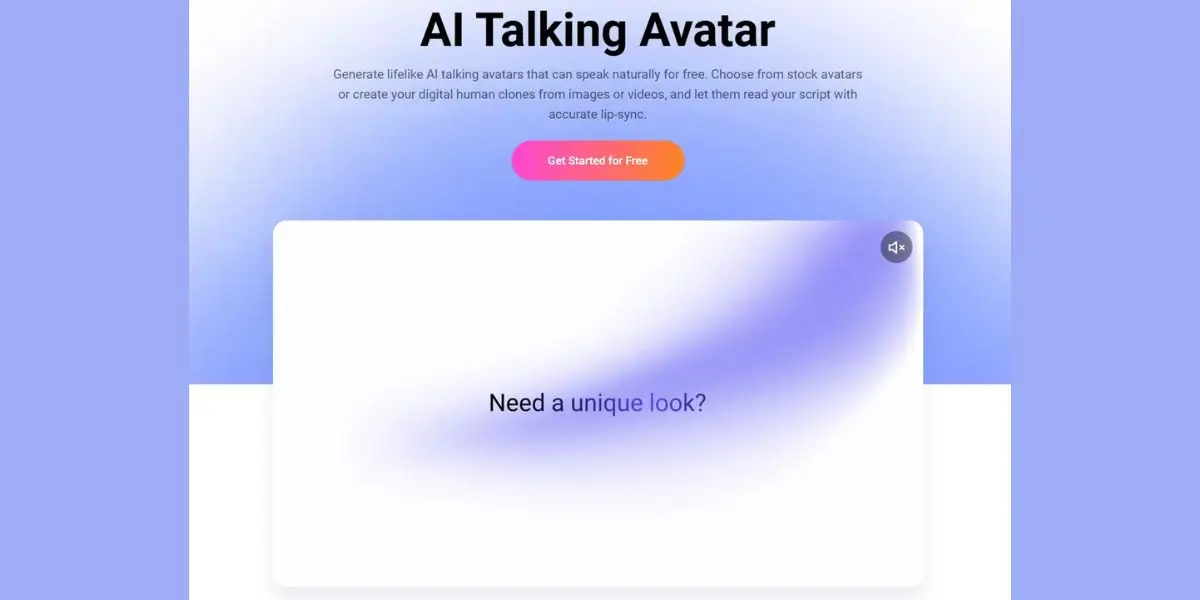
FlexClip’s AI Avatar Generator is a browser-based tool that turns text or audio into talking-avatar videos. You can use ready-made avatars, create a custom digital human from a photo or video, clone your voice, and add the avatar to a larger FlexClip video project.
The tool is part of FlexClip’s broader AI video suite, which includes AI script writing, script-to-video, video editing, and long-video-to-shorts conversion. That integration matters: you can create an avatar video without leaving the editor, then add captions, music, branding, b-roll, and transitions.
Core Features
Stock AI avatars: Business presenters, educators, UGC-style characters, and 3D cartoon characters.
Custom avatars: Create avatars from uploaded photos or videos, including AI-generated assets.
Voice cloning: Clone your own voice for a more consistent personal brand.
Text-to-speech: Turn scripts into speech using AI voices.
Multilingual support: More than 3,700 voices across 80+ languages, including English, Spanish, Portuguese, Chinese, Japanese, French, German, and Hindi.
Lip-sync generation: Aligns speech with mouth movement, expressions, and gestures.
Built-in video editor: Resize, reposition, subtitle, and combine avatars with other video elements.
Low-cost generation: FlexClip states that one-minute talking-avatar videos start at $0.12.
Who Is FlexClip AI Avatar Generator For?
FlexClip AI Avatar Generator is best for creators and teams that need repeatable talking-head videos without appearing on camera. It is especially useful when the same presenter, message, or format needs to be produced frequently.
Best Use Cases
The tool is particularly compelling for localized content. With more than 80 supported languages, a brand can adapt one script for different markets without hiring separate presenters for every language.
How Does FlexClip AI Avatar Generator Work?
FlexClip’s workflow takes about three steps: create or choose an avatar, add a script or audio, then generate and edit the video. The process is designed for non-editors, so it avoids complex timelines and manual animation.
Step 1: Choose or Create an Avatar
Start with a preset avatar or upload a photo or video to build a custom digital human. FlexClip also lets you generate an AI image or video if you do not have suitable source material.
Step 2: Add Your Script or Audio
Paste a script or upload audio. The selected avatar reads the content using text-to-speech or your uploaded voice track. If you use a cloned voice, FlexClip says you can apply it to both stock and custom avatars.
Step 3: Generate, Edit, and Export
Generate the talking-avatar video, then export it or continue editing inside FlexClip. You can place the avatar full-screen, use it as a corner presenter, add subtitles, insert b-roll, and adapt the layout for different platforms.
Pro tip: Write your script for speech, not reading. Use short sentences, natural transitions, and one clear idea per section. AI avatars sound more convincing when the script sounds like a person talking—not a blog post being read aloud.
What I Liked About FlexClip AI Avatar Generator
The biggest strength is workflow convenience. FlexClip combines avatar creation, voice, editing, subtitles, and export in one platform, which reduces the need to jump between separate tools.
1. Fast Script-to-Video Production
A basic product explainer, training update, or social video can move from script to publishable draft in minutes. FlexClip says most avatar videos generate in a few minutes, depending on script or audio length.
2. Strong Multilingual Potential
The 80+ language support and 3,700+ voice options make the tool useful for brands targeting multiple regions. This is especially valuable for localized ads, course content, and customer education.
3. Custom Avatars From Your Own Assets
You can create an avatar from a photo or video, which gives the tool more flexibility than platforms limited to stock presenters. For creators, this opens the door to a consistent digital version of themselves.
4. Integrated Editing
The avatar is not trapped in a standalone generator. You can add it to a broader FlexClip project, reposition it, resize it, and combine it with other visual elements.
5. Low Entry Cost
FlexClip advertises one-minute avatar videos starting at $0.12, which makes it attractive for high-volume content production. The exact cost still depends on plan, video length, resolution, and credits, so review the current pricing page before scaling.
What Could Be Better
FlexClip AI Avatar Generator is promising, but it is not a complete replacement for a real presenter in every situation. AI avatars still face limits around emotional nuance, realism, brand trust, and complex storytelling.
Potential Weaknesses
Lip-sync realism varies: Accuracy may depend on the source image or video, script pacing, and selected voice.
Custom-avatar quality depends on input: A blurry, poorly lit, or low-resolution photo can produce an unnatural avatar.
Voice cloning needs consent and care: Only clone voices you own or have explicit permission to use.
Emotional range is limited: AI presenters can feel less persuasive for sensitive, high-stakes, or deeply personal stories.
Avatar fatigue is real: Audiences may disengage if every video uses the same artificial presenter.
Disclosure matters: For ads, testimonials, news-style content, or sponsored videos, clearly disclose AI-generated presenters where required.
Expert insight: Use AI avatars for scale, consistency, and localization—not as a way to fake authenticity. The best results come when the avatar supports a clear, useful message rather than trying to impersonate a real person.
FlexClip AI Avatar Generator: Pros and Cons
How Much Does FlexClip AI Avatar Generator Cost?
FlexClip advertises AI avatar videos starting at $0.12 per minute, but final pricing depends on your plan, credits, video length, and generation settings. The tool also offers trial uses for custom avatar generation and AI talking-video creation before upgrading.
For a small business, the value depends on volume. If you produce several short videos each week, the time saved on filming, editing, and retakes can outweigh the credit cost. If you only need one video per month, a simpler template-based video editor may be enough.
Cost-Effectiveness Example
Imagine a course creator needs:
10 lesson videos per month.
3 minutes each.
30 minutes of total avatar video.
At FlexClip’s advertised starting rate of $0.12 per minute, the base avatar-generation cost would be approximately $3.60 before plan fees, taxes, or additional editing credits. That is exceptionally low compared with hiring a presenter, studio time, or freelance editing—but the final cost should be validated against the current pricing model.
FlexClip AI Avatar vs. Alternatives
FlexClip’s advantage is not necessarily having the most advanced avatar engine. Its advantage is accessibility: a beginner can create an avatar, generate speech, edit the video, add captions, and export for social platforms in one workflow.
Step-by-Step: Create Your First FlexClip AI Avatar Video
Use this process to create a clean first test video.
Define one goal. Choose a single outcome: explain a product, teach one lesson, announce an update, or create a short social tip.
Write a 100–150 word script. Start with a hook, explain one idea, and end with a clear call to action.
Choose an avatar. Use a stock presenter for a first test, or upload a well-lit photo or short video for a custom avatar.
Select a voice. Match the voice to your audience, language, tone, and platform.
Paste your script. Keep sentences short and avoid complicated punctuation that can disrupt pacing.
Generate a short test. Start with 30–60 seconds before committing to a longer video.
Review lip-sync and pronunciation. Check names, technical terms, numbers, and brand words carefully.
Edit inside FlexClip. Add captions, branding, b-roll, music, and adjust the avatar’s placement.
Export for the right platform. Use vertical formatting for TikTok, Reels, and Shorts; landscape for YouTube or training portals.
Save your winning setup. Reuse the same avatar, voice, intro structure, and visual style for consistency.
Case Study: A Course Creator’s Workflow
A course creator wants to produce 10 short lessons without recording herself every week.
Instead of setting up a camera, she writes ten 200-word scripts. She creates a custom avatar from a high-quality photo, clones her voice, and generates each lesson in FlexClip. She then adds slide visuals, captions, and a branded intro.
The result is a consistent course-presenting style that can be updated quickly. If a lesson changes, she edits the script and regenerates only that section rather than reshooting the entire video.
This is where FlexClip’s integrated editor matters. The avatar is not just a novelty; it becomes part of a repeatable content system.
Is FlexClip AI Avatar Generator Worth It?
FlexClip AI Avatar Generator is worth trying if you need affordable, repeatable talking-head videos without filming yourself. It is especially strong for marketing explainers, training material, social content, localized campaigns, and internal communications.
It is less suitable if you need highly emotional storytelling, premium cinematic realism, or a presenter whose authenticity is central to the message. In those cases, a real human on camera will usually build stronger trust.
For creators, educators, and small businesses already using FlexClip, the avatar generator is a natural upgrade. It turns the platform from a video editor into a more complete AI content-production workflow.
TRY FLEXCLIP AI AVATAR GENERATOR HERE!
FAQ: FlexClip AI Avatar Generator
What is FlexClip’s AI Avatar Generator?
FlexClip’s AI Avatar Generator creates talking-avatar videos from scripts, audio, photos, or videos. Users can choose stock avatars, build custom avatars, clone their voice, and edit the result inside FlexClip’s video editor.
Can I create an AI avatar for free?
Yes. FlexClip offers trial uses for custom avatar generation and AI talking-video creation, allowing users to test the feature before upgrading to a paid plan.
Can I use my own voice with a FlexClip avatar?
Yes. FlexClip supports voice cloning, and users can apply their cloned voice to stock or custom avatars before generating the talking video.
How many languages does FlexClip AI Avatar support?
FlexClip says its avatar tool includes more than 3,700 AI voices across more than 80 languages, including English, Spanish, Portuguese, Chinese, Japanese, French, German, and Hindi.
Is FlexClip AI Avatar good for YouTube and TikTok?
Yes. It works well for faceless YouTube videos, educational clips, product explainers, and short-form social content. Export in vertical format for TikTok, Reels, and Shorts, and use landscape for YouTube or training videos.
Next Steps
Start with a 30-second test video using a stock avatar and a simple script. Evaluate lip-sync, voice naturalness, pronunciation, and how well the avatar fits your brand.
If the output works, create a custom avatar from a high-quality photo or short video, clone your voice, and build a repeatable template for lessons, product explainers, or social clips. FlexClip’s main advantage is that avatar creation, editing, captions, and export happen in one place—making it a practical option for teams that need video at scale without a studio.